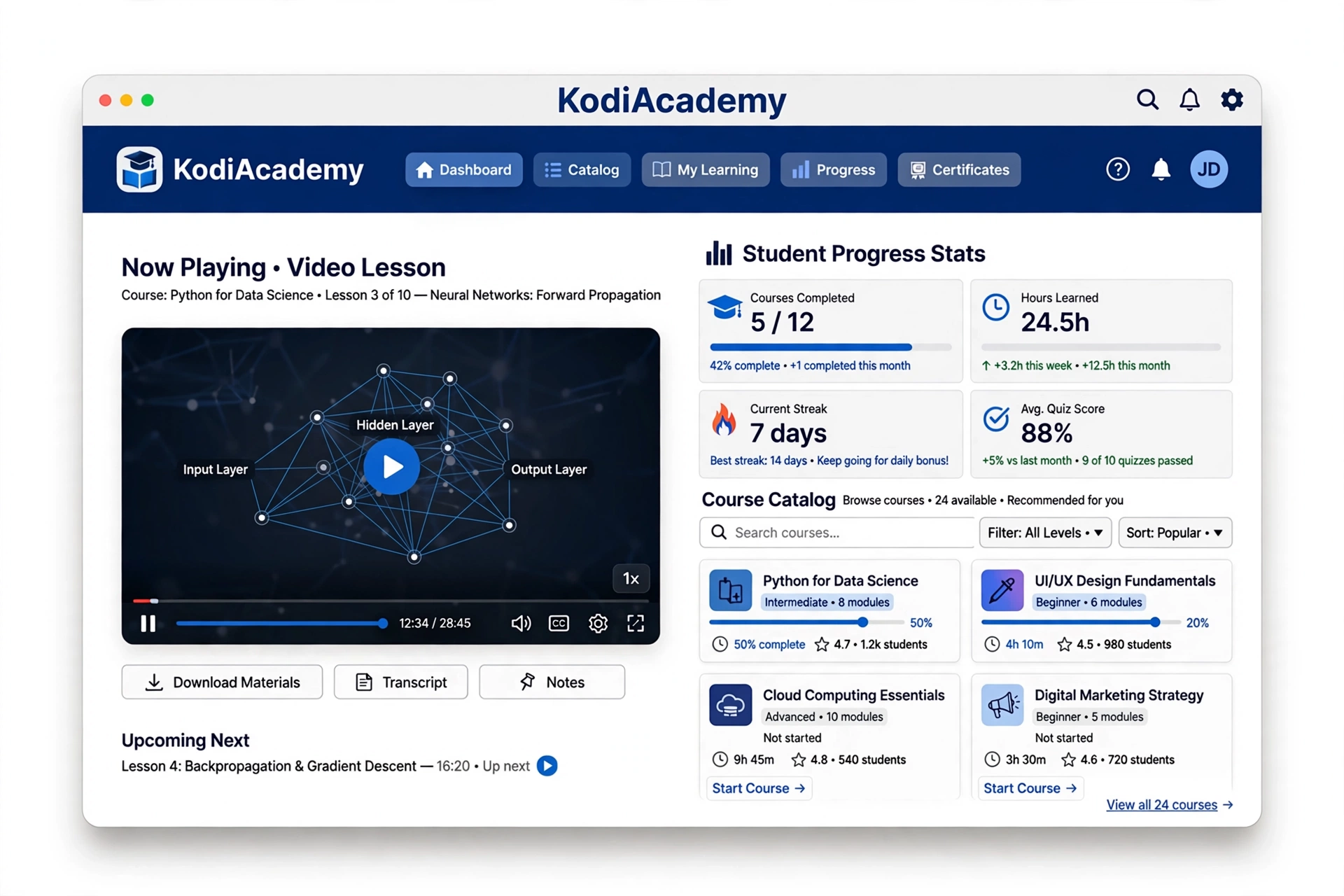
School management software is a single system that replaces the scattered registers, spreadsheets and paper files a school office usually runs on. Student records, attendance, grades, school fees and messages to parents all live in one place, so the secretary is not copying the same child’s name into five different books. This guide explains what a school actually needs from such a system, what it does not need, and how to choose one without wasting a term on software your staff will not use.
The daily problems it solves
Picture a typical school office in Port-au-Prince, Dakar or Kingston at 8 AM. The phone is ringing with parents asking about fees. A teacher needs last term’s grades for a transfer letter. The director needs to know how many students have not yet paid this term — and the answer requires opening three notebooks and a spreadsheet that only one person understands.
None of these tasks is difficult. They are slow because the information is scattered. School management software earns its place by making five everyday jobs fast:
1. Student records. One file per student: identity, class, parent or guardian contacts, address, previous schools, important notes. When a parent calls, anyone in the office can pull up the right file in seconds instead of searching a cabinet.
2. Attendance. Teachers mark attendance once, in the register or on a phone, and the office can see immediately who is absent. Patterns become visible — the student who misses every Monday is noticed in week three, not at the end of term.
3. Grades and report cards. Teachers enter marks once; the system calculates averages and class rankings and produces report cards in a consistent format. This alone removes one of the most stressful weeks of the school term — the manual report-card marathon, with its arithmetic errors and late nights.
4. Fees and payments. Each student’s account shows what is owed, what has been paid and what remains. The office can produce a list of outstanding balances in one click, send reminders to parents, and give a receipt for every payment. Arguments about “I already paid” end, because the record is there.
5. Parent communication. Instead of phoning parents one by one, the school sends a message to a class, a level or the whole school: meeting on Thursday, school closed Friday, fee deadline next week. Parents who receive information on time pay on time and show up on time — most “difficult parents” are simply uninformed parents.
What schools do not need
Vendors will try to sell you more than this. Be careful with:
- Systems built for a different country’s rules. Software designed for US or European school districts carries features — and complications — that do not match how your school runs. Ask whether the system handles your class structure, your grading scale and your fee schedule (by term, by month, in instalments) without workarounds.
- Software your teachers cannot learn in an afternoon. If entering grades requires training sessions and a manual, teachers will quietly return to paper, and you will have paid for a system that holds half your data. The test is simple: a teacher should be able to enter a class’s marks after being shown once.
- Features that serve the vendor’s brochure, not your office. Fancy dashboards do not collect fees. Prioritise records, attendance, grades, fees and messaging; everything else is decoration until those five work.
How to choose: a checklist
Before committing to any system, work through these questions with the vendor’s trial version, using your real data for a few classes:
- Records: Can a student have several guardians, several phone numbers, and notes (health, transport, fee arrangements) attached? Real students do not fit in one tidy row.
- Grading: Does it support your scale (out of 20, out of 100, letter grades), your subjects, and weighted averages if you use them? Can it print report cards in your format?
- Fees: Can you set different fees by level, add charges (transport, meals, exams), record partial payments, and print a receipt on the spot?
- Communication: Can you message one class, one level or all parents at once, by SMS or messaging app — because not every parent has email or checks it?
- Access control: The secretary, the teachers and the director should not all see everything. Fee information and staff records need restricted access.
- Works when the internet does not: Power and connection cuts are a fact of life in many regions. Ask what happens during an outage — can attendance and payments still be recorded and synchronised later?
- Support and language: When something breaks during report-card week, can you reach a human who speaks your language?
- Total cost: Price per month or per student? Are there setup fees, per-message charges, or paid “modules” for basics like report cards? Get the full figure for a full year, for your real enrolment.
Rolling it out without chaos
The most common failure is not the software — it is the launch. Schools that succeed do three things:
- Start at a term boundary, not mid-term. Enter the new term’s classes and students cleanly rather than migrating half-finished records.
- Enter data once, together. Spend the days before term starts entering student files as a team task. It feels slow; it saves the whole year.
- Run paper in parallel for the first month only — then stop. Keeping both systems “just in case” forever means double work forever, and the software always loses.
Frequently asked questions
How long does it take to set up?
For a typical primary or secondary school, the structure (levels, classes, subjects, fees) can be set up in a day. Entering student records takes longer and depends on how many students you have and whether your current records are on paper or in spreadsheets. Most schools are fully running within the first weeks of term.
Can parents see grades and fees online?
In most systems, yes — parents can be given access to their own child’s attendance, grades and fee balance. Even without a parent portal, the school can send report cards and balance reminders by message, which covers most needs.
What if our internet is unreliable?
Choose software that keeps working offline for daily tasks (attendance, payments, records) and synchronises when the connection returns. Ask the vendor to demonstrate this, not just promise it.
Is our students’ data safe?
Look for individual staff accounts with passwords, role-based access (teachers do not see fee records for the whole school), and regular backups. Student data is sensitive: treat a vendor’s backup and access policy as a deciding factor, not a detail.
A system built for schools like yours
KodiSchool covers the five core jobs — student records with room for several conditions and services per record, attendance, grades and report cards, fee tracking with receipts, and parent communication — in a system a school office can learn quickly. It costs $49/month, and it starts with a 14-day free trial, no card required to start: set up your levels and classes, enter a few real students, print a report card, and decide from experience rather than from a sales pitch.